Vertical or widescreen? Pick your frame
Compare 9:16 and 16:9 compositions and choose a format before your band takes the stage.
Start with where you will share it
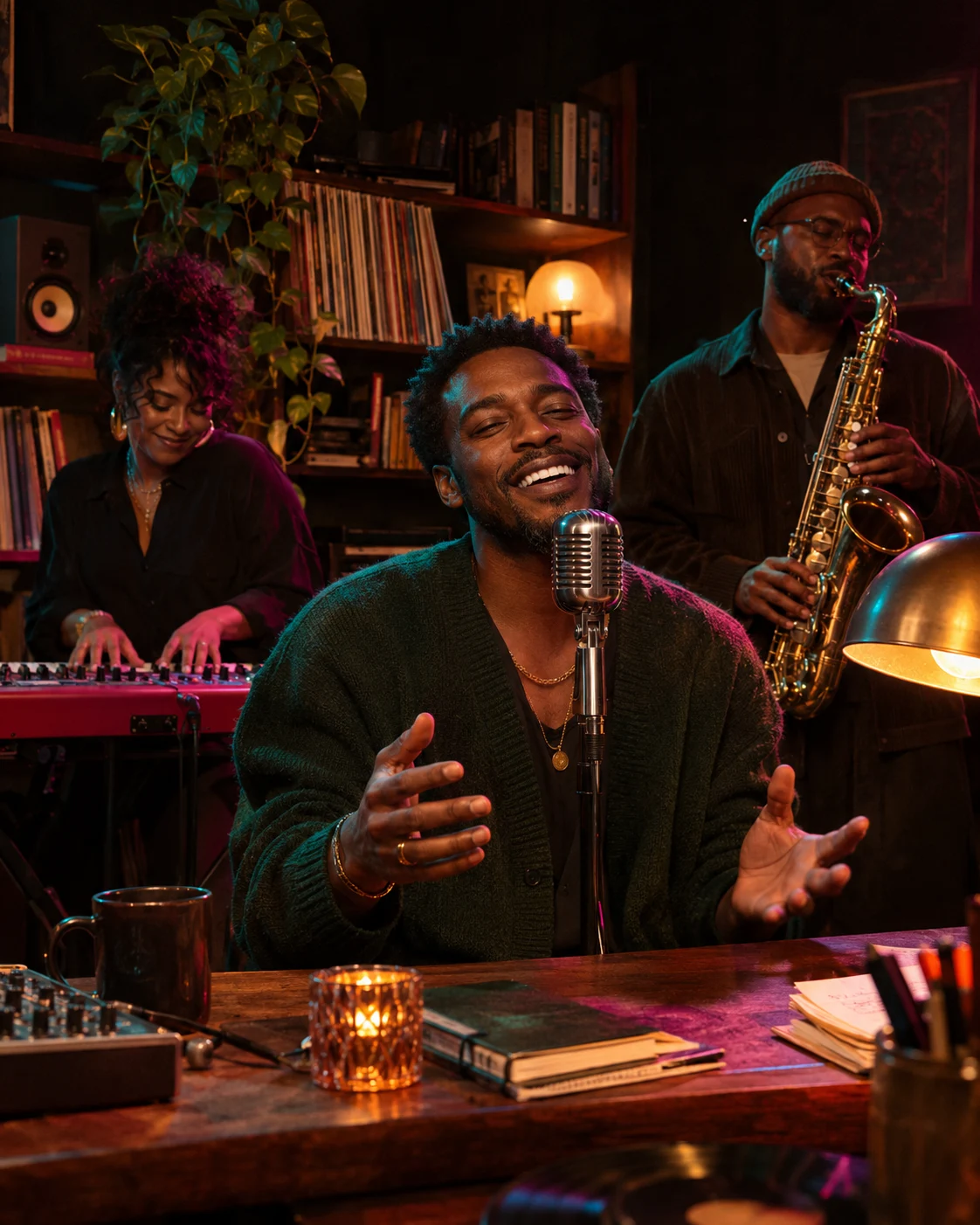
A 9:16 composition is tall and narrow, useful when your audience watches on a phone in portrait orientation. A 16:9 composition is wider, useful when you want more room around the band or plan to watch on a landscape screen. The studio supports both; choose the shape that suits the viewing experience you have in mind.
Give the lead enough room
A vertical frame brings attention to the central performer. Start with a clear portrait that includes the whole head and space around the face. Avoid tightly cropped screenshots or important details at the extreme edges, since source photos are normalized into portrait references before generation.
Use width to establish the band
A wider frame can show more of the imagined room and the relationship between performers. Separate portraits still work best for choosing your cast. The scene artwork in the studio illustrates the creative direction; it does not guarantee exact positioning, gestures or the final camera framing.
Set the format before generating
Choose the format in the studio before submitting a generation. You can save that choice in a draft for later, but a draft does not keep the photo files. Changing the composition after a video is already generated requires a new generation and another credit, so review the selected format before you begin.